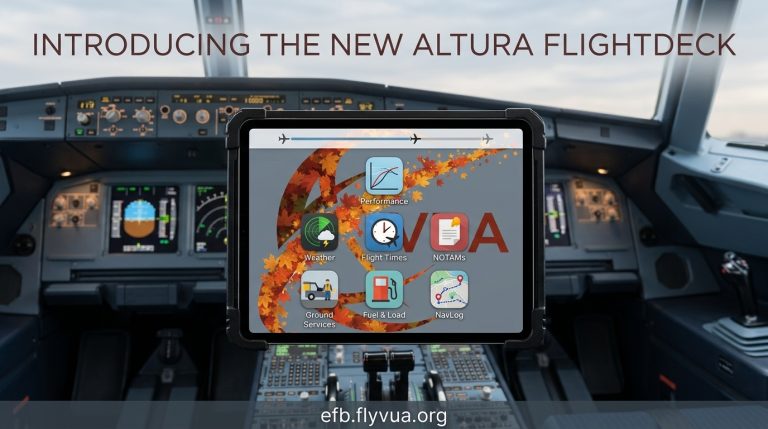
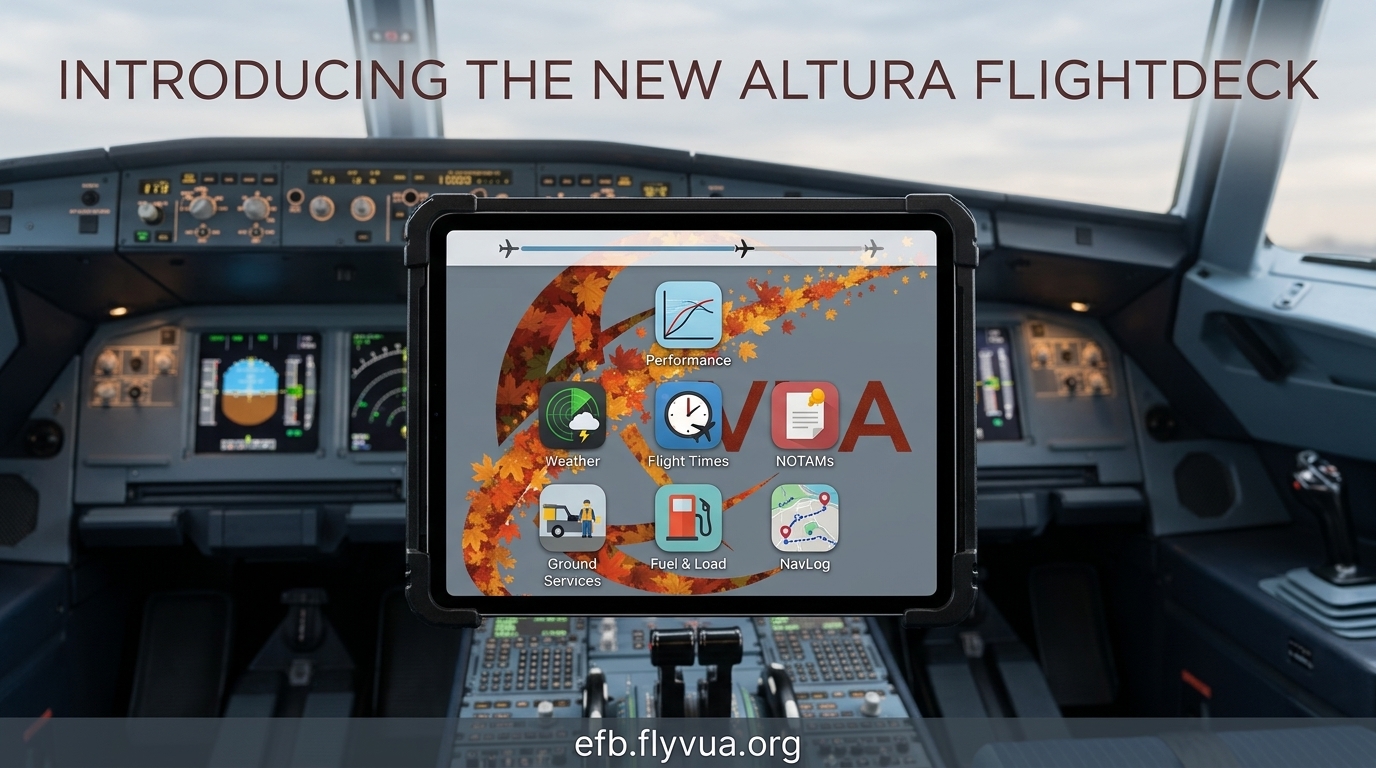
Your electronic flight bag just became a whole lot more capable. We’ve rebuilt the Altura FlightDeck from the ground up, and it’s live now at efb.flyvua.org. This isn’t a coat of paint over the old EFB — it’s a complete redesign, built to feel like the real iPad EFBs crews carry into the flight deck every day.
Here’s a tour of what’s new.
A real EFB experience
Open the FlightDeck and you’re greeted by a lock screen — your clock, the date, your callsign, and your active route, all at a glance before you even step in. Tap through and you land on a brand-new home screen: a greeting, a live banner tracking your current flight with a progress bar, and your full toolkit laid out as apps.
Gone is the old sidebar-and-tabs layout. Everything is now an app you tap into, the way a modern EFB should work. It’s cleaner, faster to navigate, and it finally looks the part — complete with a fresh vUA wallpaper on the home screen.
New tools in your bag
The rebuild didn’t just reorganize what was there — it added a stack of genuinely new capabilities.
Performance. Pull up your V-speeds (V1, VR, V2, and Vref), takeoff and landing weights, flap settings, and the head/crosswind components for your departure and arrival runways. Everything you need for your performance numbers, in one place.
Flight Times. Your OUT/OFF/ON/IN block times are now tracked automatically from ACARS — no manual entry. See your actual time of departure, estimated arrival, current phase of flight, and time remaining, all updating as you fly.
Weather. A dedicated weather module with METAR and TAF for any field you search, plus a live weather radar map so you can see the picture, not just read it.
NOTAMs. All of your NOTAMs gathered in one place, with a badge showing how many you haven’t read yet.
Ground Services. The GSX ground-services panel is now built right into the EFB — no need to leave the app.
Fuel & Load. Your fuel and payload breakdown at a glance.
NavLog. A cleaner, dedicated view of your route and waypoints.
Sharper maps
Both the route map and the live traffic map got a visual overhaul. They now use a darker base theme that’s easier on the eyes in a dim cockpit, with clearer, more legible place labels. Trans-Pacific routes render cleanly across the date line too — no more lines streaking the wrong way across the map.
Nothing to install
The best part: there’s nothing for you to do. Just open the EFB the way you always have, and the new FlightDeck is there waiting. Everything updates automatically.
We’ve got more planned for the FlightDeck in the months ahead, but for now — enjoy the new office. We think you’re going to like flying with it.
See you in the flight deck. 🛫
About the Author